
The Complete Feature Checklist for Evaluating School ERP Software
When evaluating school management software, it is easy to get distracted by sales presentations and marketing screenshots. What matters is whether the software handles the specific administrative tasks your school performs every day — accurately, quickly, and without requiring constant internet connectivity.
This checklist covers the features that every school ERP system must have to deliver genuine value to an Indian school.
Core Administration Features
Student Admission & Records Management
The ERP must manage the complete student lifecycle from initial inquiry through admission, class allocation, and eventual departure (with TC generation). Key capabilities: digital document storage, admission number auto-generation, class and section management, and student profile photographs.
Fee Management & Automated Receipts
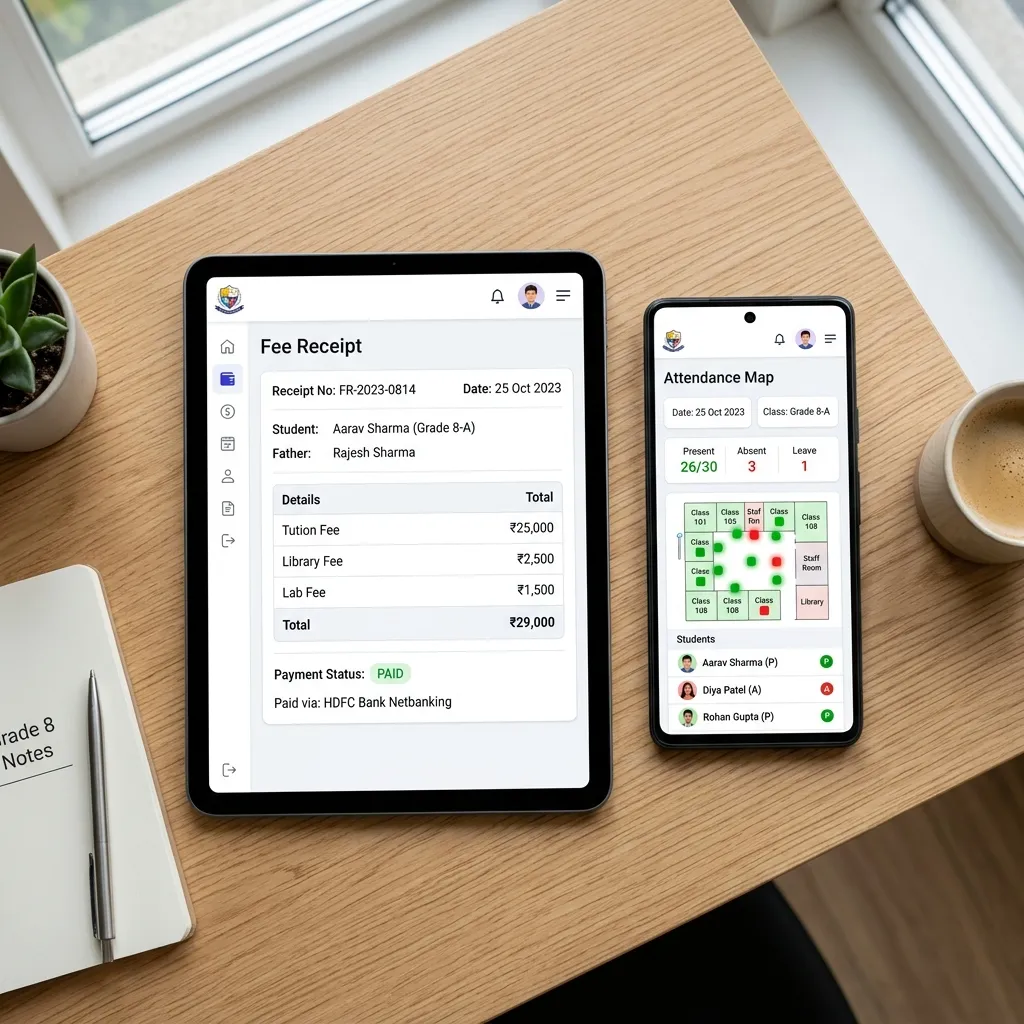
Fee management is often the highest-priority module for school owners. Requirements:
- Multiple customisable fee heads per class
- Partial payment support with running balance
- Instant receipt printing (thermal or A4)
- Fee concession and scholarship management
- Month-wise and annual fee collection reports
- Overdue fee alerts and SMS reminders to parents
Attendance Tracking
Both student and teacher attendance must be handled. For students: daily class-wise register with absent/present marking, monthly attendance summary per student, and automatic SMS to parents on absence. For teachers: in/out time logging, monthly attendance report, and optional GPS verification.
Board-Aligned Examination & Report Cards
This is where many generic ERP systems fail Indian schools. The system must support your board's specific structure:
- Formative and Summative Assessment (FA/SA) or Term-based evaluation
- Co-curricular and activity grading
- Grade calculation per board rules
- One-click PDF report card generation in the board's official format
Certificate Automation
Schools issue dozens of certificate types throughout the year. The ERP must automate:
- Bonafide Certificate
- Date of Birth Certificate
- Transfer Certificate (TC)
- Student Identity Card
- Character Certificate
Manually typing each certificate is a significant time drain. Automation reduces this to a single click.
Advanced Features
Android Mobile App with Offline Sync
Teachers need mobile access — especially for attendance and dashboard visibility. The app must work on the school's local Wi-Fi network without requiring internet access.
GPS-Verified Teacher Attendance
Geofenced check-in confirms that the teacher is physically within the school campus. This eliminates proxy attendance and provides verifiable records for staff payroll and audit purposes.
Notice Board & Internal Communication
Digital notice board visible to teachers, students, and parents through the app and web portal. Instant notifications for school closures, exam schedules, and events.
Timetable Management
Class-wise and teacher-wise timetable generation with conflict detection. Substitute teacher assignment for absent teachers.
Data Security & Role-Based Access
Different users see only what they are authorised to see. Student data is protected. Financial records are accessible only to authorised staff. All data is backed up automatically.
Questions to Ask Before Buying
- Does the software work offline? Can teachers mark attendance during a power cut or internet outage?
- Does it support my specific education board's report card format exactly?
- What is the total cost — implementation, training, and ongoing support?
- How long does it take to set up and go live?
- Is there an Android app for teachers?
Conclusion
A school ERP that checks every item on this list will genuinely transform how your school operates. The features that matter most are the ones your staff use every single day — and those must work reliably, quickly, and without friction. Demand a live demonstration with your own school's data before making any purchase decision.